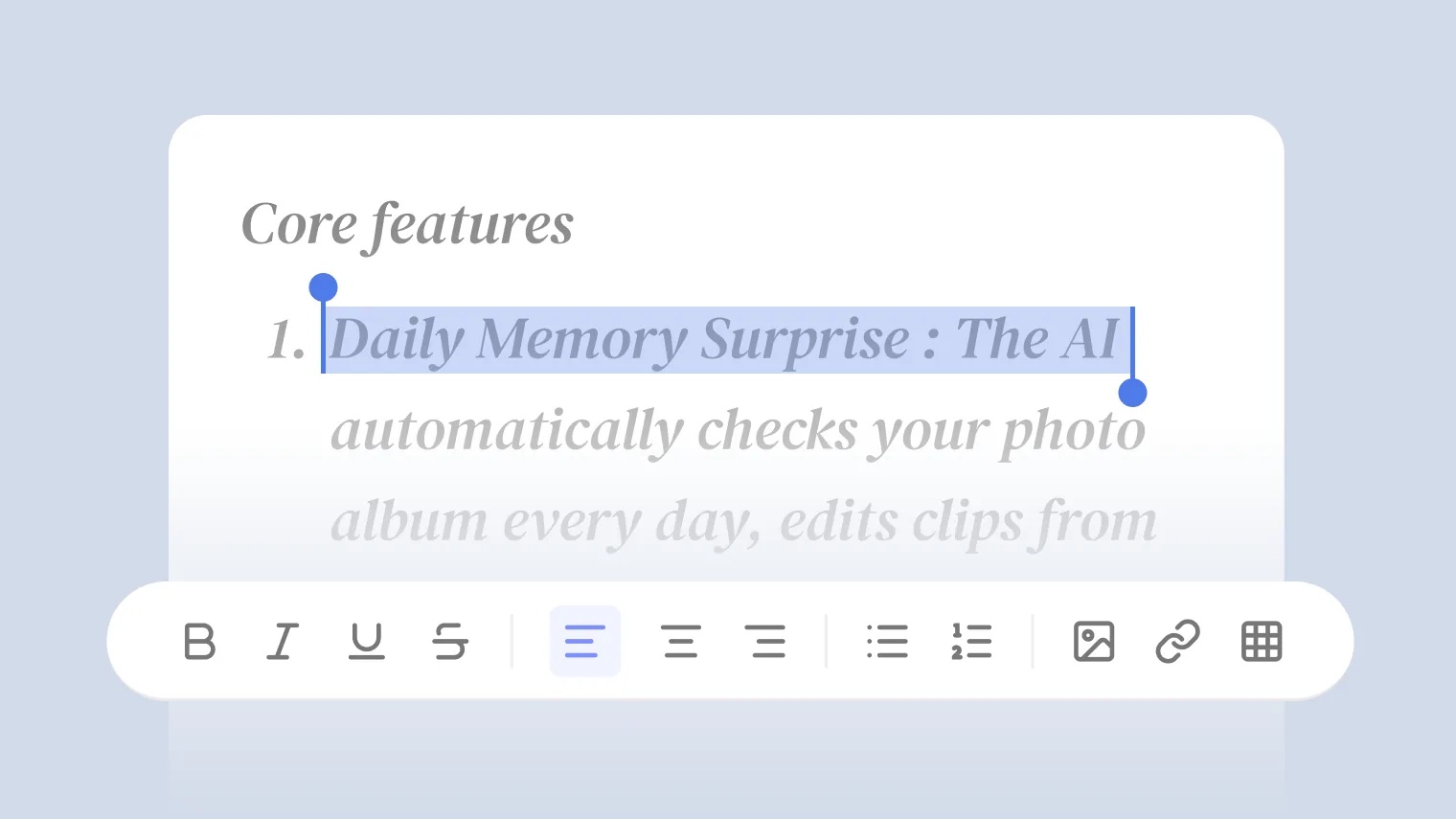
AI Doc is Tutti · VM’s built-in document app, with Agent capabilities built in, so there are two ways to use it: ask an Agent to generate a document right inside the app, or invoke AI Doc with @ from an Agent chat. The entry points differ, but both put the Agent’s generation power to work, and the documents stay connected to the Room’s live work.
These apps all run on the Agent subscription you already have, like Claude Code or Codex.
Two Ways to Use AI Doc
Option 1: Generate inside AI Doc with an Agent
Open AI Doc right inside a Room. Because the app has Agent capabilities built in, you don’t have to start typing from a blank page.
Describe what you need in the app: “Write a technical weekly report from this week’s work,” or “Write a PRD for user registration.” The Agent inside the app generates a first draft, and then you can edit the copy and restructure it right there in AI Doc.
Option 2: Invoke AI Doc with @ from an Agent chat
While chatting with an Agent, invoke AI Doc with @ and have the Agent generate a document right in the conversation.
You can @ anything in the Room as source material:
- @ a coding work log and have the Agent write the API documentation.
- @ a group-chat discussion and have the Agent turn it into meeting notes.
- @ an AI PPT and have the Agent write detailed product documentation from the deck.
- @ a prototype and have the Agent write the design documentation for it.
Once the Agent has the material, it invokes AI Doc to generate the document. The result stays in the Room as finished work, and you can open AI Doc anytime to keep editing.
Real-World Use Cases
Scenario 1: From discussion to document
You and a coworker work through the requirements for a new feature in the group chat. Once you’re done, you need a PRD.
In an Agent chat you @ the group-chat discussion and tell the Agent, “Turn this discussion into a PRD.” The Agent invokes AI Doc and drafts the PRD from the conversation, with every requirement, decision, and constraint from the discussion in the document.
Once the draft is up, you open AI Doc, adjust the structure and wording, and add your own judgment. You move between editing in AI Doc and invoking it from the Agent chat.
Scenario 2: Generate directly in the app
You need a PRD for a new feature and already have the core requirements and rough structure in mind.
You open AI Doc and tell the Agent: “Write a PRD for user registration, covering background, requirements, interaction flow, and error handling.” Once it drafts it, you adjust priorities, add edge cases, and revise the interaction flow by hand.
Scenario 3: Drive it from an Agent chat, combining sources
You finished a module with Claude Code, and last week you discussed requirement changes with a customer in the group chat. Now you need to update the API documentation and the PRD.
In an Agent chat you @ both the Claude Code work log and that group-chat discussion: “Update the API documentation from the code changes and the customer feedback, and revise the affected parts of the PRD.” The Agent reads both and invokes AI Doc to produce the updated API docs and the revised PRD sections.
You open AI Doc, review, and fine-tune a few phrases. Ten minutes, and no digging through code and chat logs to assemble it yourself.
Scenario 4: Document-driven development
You first have the Agent inside AI Doc write a PRD. Once it’s confirmed, you @ the PRD in the Claude Code chat and say, “Build the front-end page from this PRD.”
The document and the code live in the same Room: the PRD is context for the code, and the code is the PRD’s implementation. Requirements change? Edit the PRD in AI Doc, and the Agent adjusts the code from the updated version.
Scenario 5: Automated meeting notes
You discuss a project plan with the team in the group chat. Once it wraps, you @ the discussion in an Agent chat: “Turn this into meeting notes, with the key points, decisions, and action items.” The Agent invokes AI Doc to generate the notes, visible to everyone.
You open AI Doc, review, and add owners and deadlines to a few action items by hand. Three minutes.
How AI Doc Works with Other Apps
- Group chat: @ a group-chat discussion to generate a document, or @ a specific section of a doc in the group chat to discuss it.
- AI Canvas: @ an AI Canvas image as an illustration in a document.
- AI PPT: @ document content to generate a deck.
- Prototype design: @ a prototype to generate its design documentation.
- Agents: any Agent can invoke AI Doc with @ or reference its outputs.
- Coding work: @ an Agent’s coding work log to generate technical documentation.
Every output stays in the Room and becomes context for the work that follows.
In Short
A document is no longer a static thing you write once and abandon, it’s a context node that keeps getting updated through the workflow.
@ is the thread that ties it together: @ the source to have an Agent generate a document, @ the document to discuss it in the group chat, @ that discussion to have an Agent revise it. The whole flow moves forward in one Room.