Sharing Your Work the Traditional Way Is Still a Hassle
You’ve built something cool with an Agent: a demo page, an interactive prototype, or a design. Now you want someone else to see it.
What does the traditional process look like?
For a code demo, you either deploy it to a server—setting up a domain, HTTPS, and the environment—or record your screen by opening recording software, walking through the demo, exporting the video, compressing it, and sending it.
For a design, you either export it as an image and send it, or upload it to a separate sharing platform.
Every option takes extra work and loses the live state. You’re showing a snapshot from a specific moment, not the current version. If you’re still making changes, the other person will always see an older version.
In Tutti · VM, sharing is a core capability rather than an extra step.
Ways to Share in Tutti · VM
Share a Result: For Anyone Who Only Needs to See the Final Output, Such as a Manager or Client
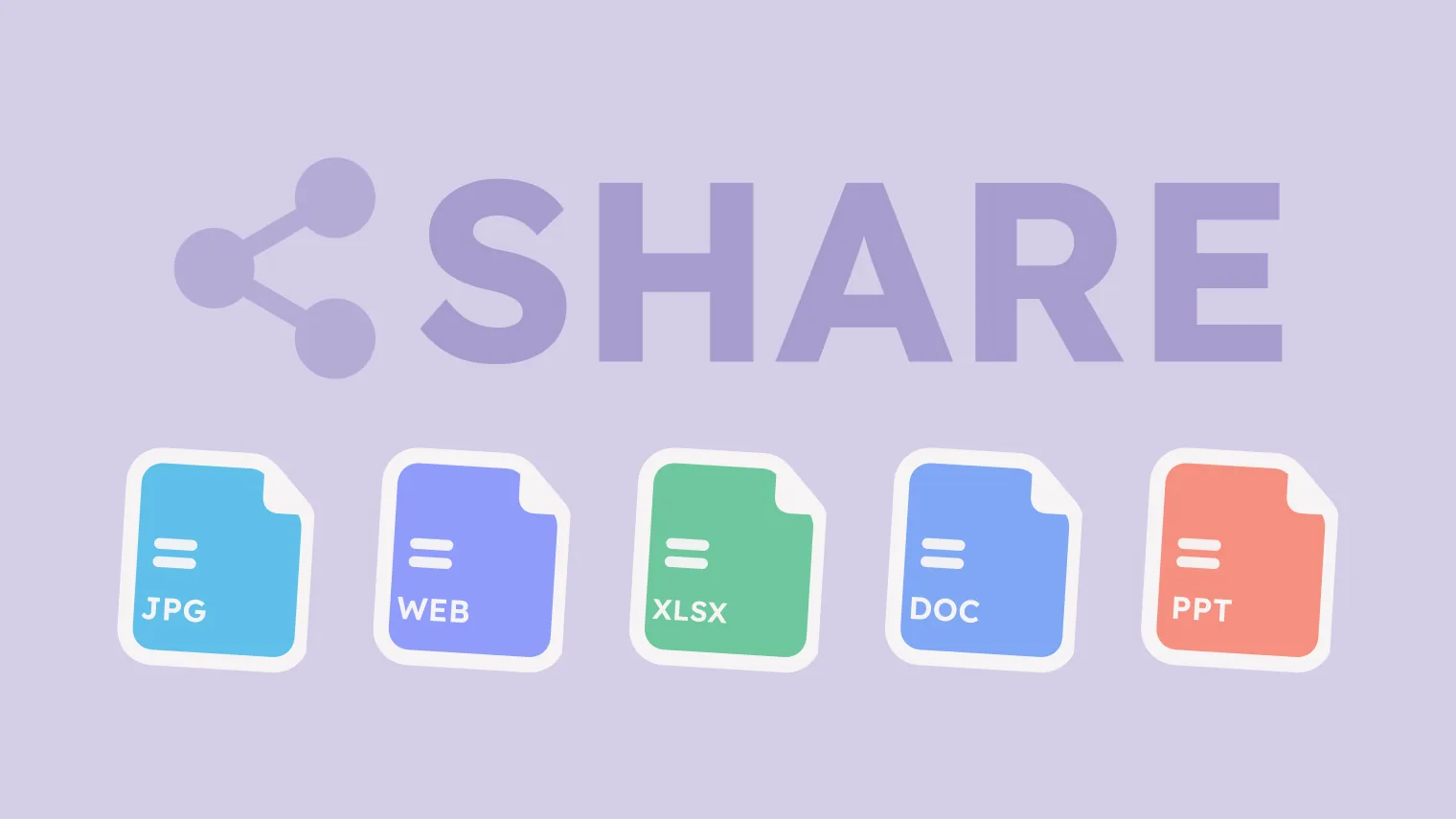
Find the output you want to share, such as a localhost webpage, presentation, article, high-fidelity prototype, or image. Right-click it and select Share to generate a link. The recipient can open the link and view the complete result.
If you’re making changes in real time, the preview they open will update dynamically.
Share a Room: For Anyone Who Wants to Continue Collaborating After Reviewing the Work
Everything you do inside a Room—including the Agent’s live work, outputs, and conversation history—can be shared by inviting a collaborator through a Room link.
If they want to build on your work, they can immediately reference your previous Agent conversations and outputs with @ and continue with the next task.
Real-World Use Cases
Scenario 1: Show a Demo to a Coworker
You’ve built a frontend demo with Claude Code. It’s still a draft, and you want feedback from a coworker.
The traditional approach would be to deploy it to a testing environment, which takes 15 minutes; record and send a video, which takes 10 minutes; or send screenshots, which removes the interaction.
With Tutti · VM, you can share the Room or a direct link to the result. Your coworker opens the link and sees the live preview. If they only want to review it, they can view it directly. If they want to contribute, they can join the Room and help make changes.
There’s no need to deploy, record your screen, or take screenshots. One link is all it takes.
Scenario 2: Present a Product to a Client
You want to show a product prototype to a client. You don’t want them to see your code or internal discussions—only the design and preview.
Share the result only. When the client opens the link, they’ll see the design or preview page.
If the client requests changes, you can make them inside the Room, and the client will see the updates in real time. There’s no need to send a new link.
Scenario 3: Keep the Team Updated
Your team is working on a large project, with each person responsible for a different part. You want everyone to see the overall progress.
Share the Room with your team members. When they open it, they can see:
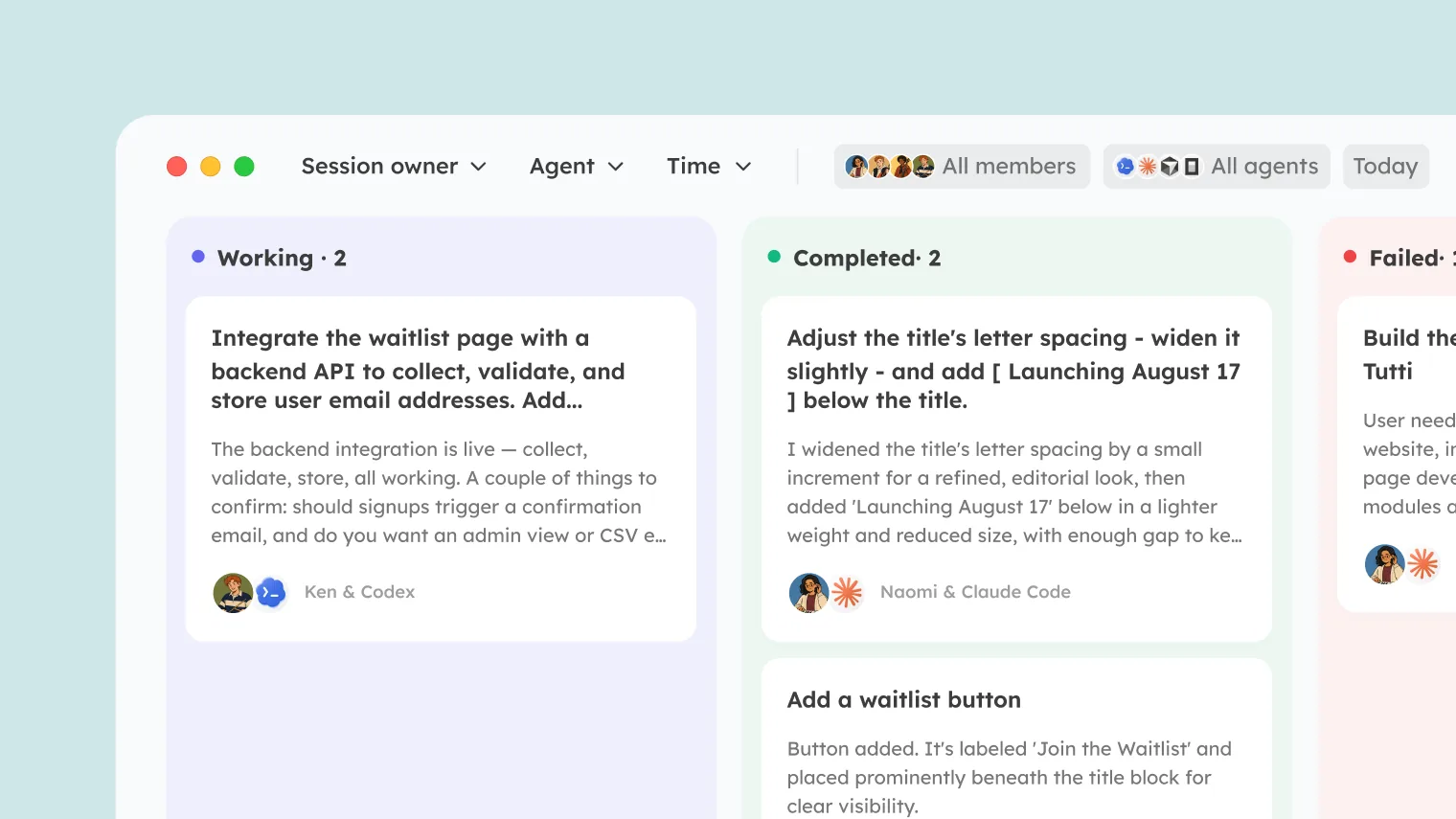
- The status of each Agent’s tasks on the Agent Board
- The latest version of every output
- The latest discussions in the group chat
There’s no need to hold a weekly meeting just to report progress. Team members can open the Room whenever they want and see the latest status.
Scenario 4: Show How an Agent Completed the Work
Sometimes you want to show the result and how the Agent created it. For example, you may want to discuss whether the Agent made the right choices.
Share the Room, and your coworker can see the final output along with the Agent’s conversation history: which approaches it proposed, which ones it rejected, and why it chose the final direction. This can help the team make collaborative decisions.
Scenario 5: Collaborate Remotely Across Time Zones
You and your coworkers may be in different locations or even different countries. You no longer need to wait across time zones for a meeting or constantly summarize and share progress.
Share the Room, and your coworker can join remotely. They can see what your Agent is doing, which files it has changed, and what the preview looks like.
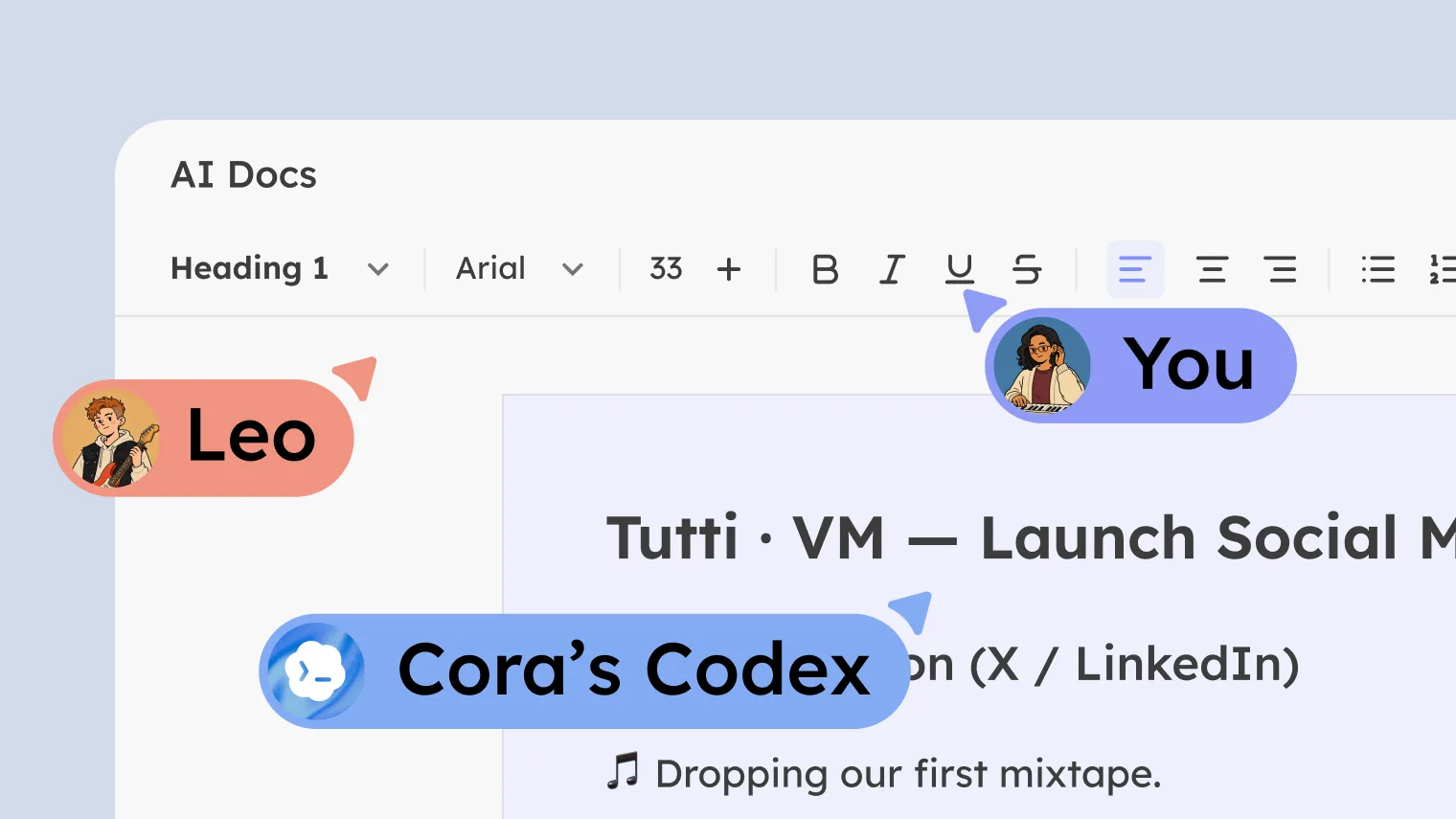
If they want to make changes with you, they can bring their own Agent into the Room, allowing both Agents to collaborate in the same space.
There’s no need to wait for another cross-time-zone meeting.
How This Differs from Other Sharing Methods
| Other sharing methods | Tutti · VM sharing |
|---|---|
| A webpage has to be deployed to a server | Share a localhost webpage through a link without deploying it |
| Record your screen and send a video | The recipient sees the live state instead of a recording from one moment |
| Take screenshots and send them in a message | The recipient sees the complete interaction instead of a static image |
| Export a PDF or image | The recipient always sees the latest version instead of the version from the time it was exported |