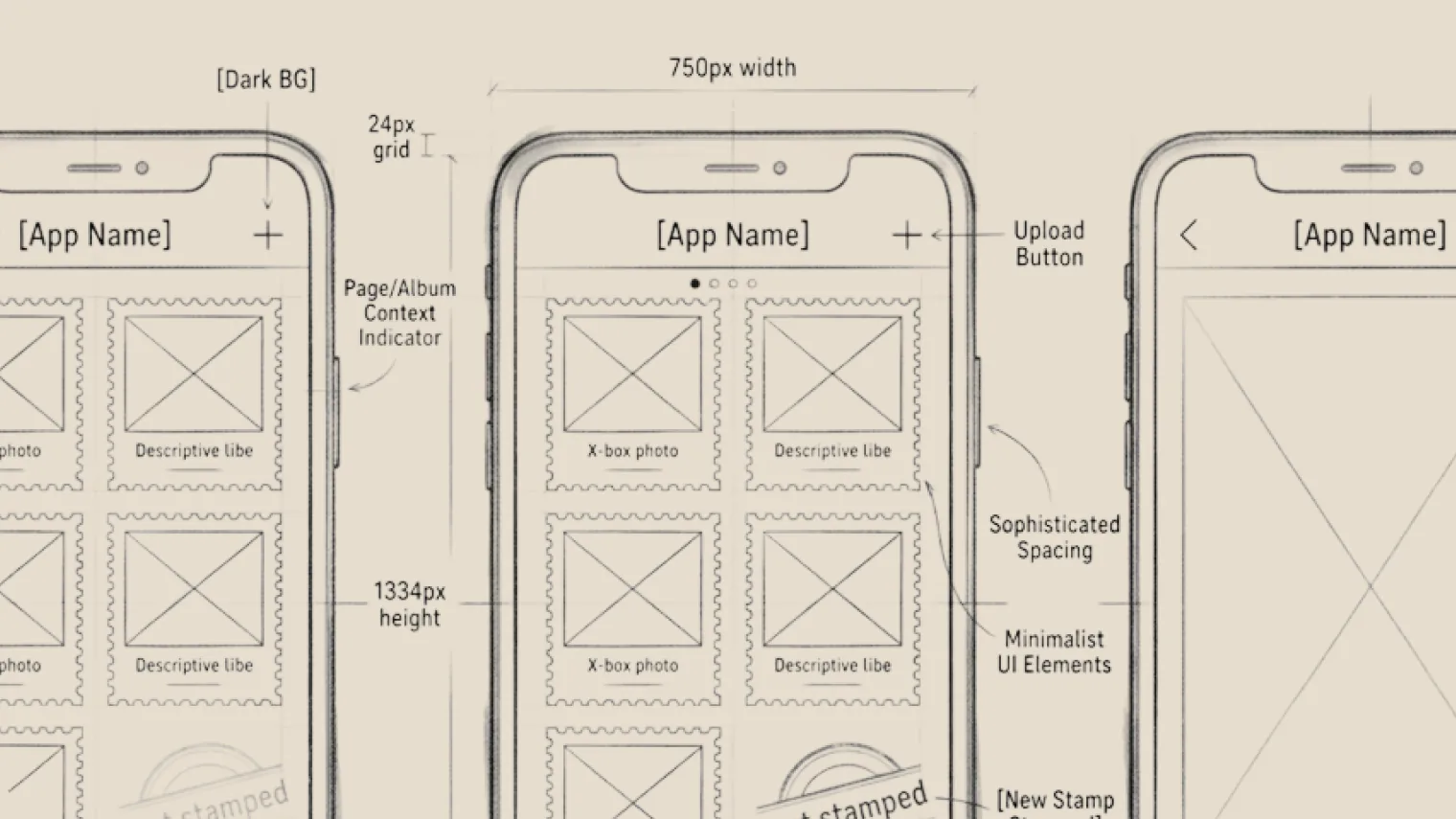
You may have a rough idea of what a page should look like, or a concept for a product. Either way, an Agent can help turn it into something you can see.
Use the app directly. Open the app and describe the page you want: “Create an e-commerce homepage with a search bar at the top, a carousel in the middle, and a product grid below.” The Agent inside the app generates a previewable prototype.
Bring source material into an Agent chat. Already have a PRD in AI Doc? Reference it with @ and tell the Agent, “Create a page prototype from this requirements doc.” The Agent reads it and invokes Prototype Design with @ to generate the design. You can also @ brand visuals from AI Canvas and have the Agent work them into the design.
When Codex invokes Prototype Design with @, it’s as if Codex gained the abilities of a design tool like Claude’s.
All the apps run on the Agent subscription you already have, with nothing extra to pay.
From Visuals to Code: Connecting Design and Development
Once the prototype is ready, the next step is usually development.
In the Claude Code chat, @ the prototype and tell it, “Build the front-end page from this prototype, in React components.” The prototype becomes context for the code.
It works the other way too: change a component’s structure in Prototype Design, switch to the Agent chat, and the Agent updates the matching code from the latest prototype.
The same connection extends to documents: in an Agent chat, @ the finished prototype and have the Agent invoke AI Doc to generate front-end development docs. Designers work from the prototype, developers from the docs, both off the same design.