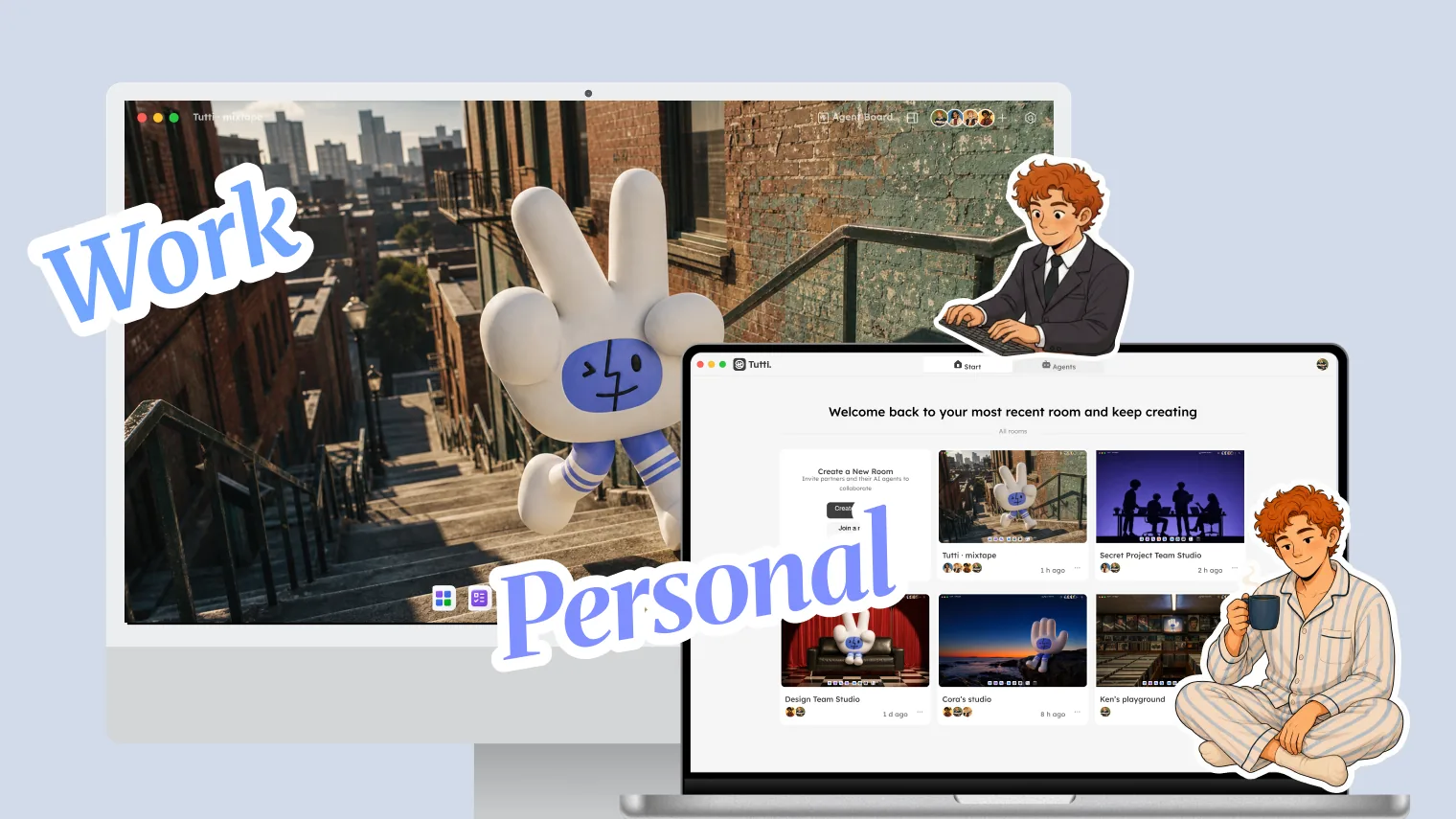
Many people use two or more computers, a work machine from the company and a personal one, or a desktop at home and a laptop on the go.
That gets frustrating when you work with Agents. You’re halfway through a task with Claude Code on your work computer, then want to keep going at home after work. What do you do?
Normally you’d push the code to a remote repo and pull it down at home. But your conversation history and earlier outputs? Those are usually out of sync across the two machines.
In Tutti · VM, this problem doesn’t exist.
How Cross-Device Use Works
Your account and Room are the connection point
Tutti · VM’s cross-device ability rests on one simple thing: your login. After you create a Room, your work computer runs tasks inside it; when you get home, your personal computer joins the same Room, so both devices’ Agent work state shares one space and all the context is already there.
What’s shared across devices in real time
When your devices issue Agent commands inside the same Room, this work state is shared live:
What’s being said: your conversations with the Agent, the approaches discussed, the decisions made. Break off a conversation at the office and pick it up at home.
What’s being done: the Agent’s task progress, current file changes, and live preview. Code the Agent is mid-edit on your work computer shows up at home in its latest state, as long as the work computer hasn’t gone to sleep.
What’s done: the code, images, documents, and design files the Agent has produced. Every output is in the Room, regardless of device.
What doesn’t travel with you
Identity and credentials: your login sessions, API keys, SSH keys, and Git credentials stay on their own devices and are never transferred across. Company accounts stay on the work computer; personal accounts stay on the personal one.
Real-World Use Cases
Scenario 1: Seamlessly continue from office to home
You spend the morning on your work computer having Claude Code write front-end code. At lunch you head home, open your personal computer, and join the same Room.
On your personal computer you open the Claude Code chat and @ the morning’s conversation. Claude Code has the full context: what was discussed, which files changed, how far it got. Just say “continue”, no re-explaining.
Scenario 2: Multiple devices online at once
At home you have an Agent run a long task on your personal computer, while your work computer runs a lighter one. Both connect to the same Room, the tasks don’t interfere, and the work state updates in real time and stays consistent.
Scenario 3: Different Agents on different devices, and Agent sharing
Your work computer has Claude Code (company subscription); your personal computer has Codex (personal subscription). Both join the same Room.
You do part of the work with Claude Code at the office and continue with Codex at home. In the Codex chat, @ Claude Code’s work and Codex picks up Claude’s context directly.
Or you can share the Claude Code Agent linked on your work computer, so your personal computer, which only has Codex, can still use Claude Code.
Different devices, different Agents, different subscriptions, seamless handoff in one Room.
In Short
Cross-device use isn’t about “file transfer”, it’s about “continuous context.” When several devices join the same Room in Tutti · VM, all the work state is shared by default: conversations aren’t lost, progress doesn’t break, outputs aren’t scattered.
No push/pull, no re-explaining the background. Open your computer at home, join the Room, and it’s like using the same machine.