In Tutti · VM, Agents already share everything in real time. They work off the same work state and always know what the others are doing. They don’t need a board.
You and the people you work with do.
You have one Claude Code writing the front-end and one Codex on the back-end. The Agents already sense each other, but you have to flip to Claude’s window to check, then flip to Codex’s window to check, back and forth. And if you are working with a friend, their Agent knows what yours is doing, but you don’t know how far theirs has gotten, unless you ask.
Agent Board is built for the people, so you can take in everything happening in the Room at a glance, the same way your Agents already can.
What Agent Board Is
Agent Board is a visual panel inside a Tutti · VM Room that shows the real-time work state of every Agent in the space.
Think of it as the control desk for your collaboration space: who is doing what, how far along they are, what they have produced, and whether anything went wrong, all in one view, with no flipping between chat windows.
What You Can See on the Board
Each Agent’s task shows up as a card, and the card carries the full picture of that work:
The conversation. What the Agent is discussing and with whom, plus the history. You don’t have to switch into the Agent’s chat; you can read the conversation right on the board.
The execution. What the Agent is doing right now, which file it is editing, which command it is running, which tool it is calling. This lets you see the Agent’s process, not just its result.
The output. What the Agent has produced so far, code files, images, documents, design files. Output shows up as a preview, so you can see what the Agent made at a glance.
The status tag. Every task card carries a status:
- In progress: the Agent is working on this task.
- Completed: the task is done and the output is ready.
- Failed: the task errored and needs a look.
- Stopped: the task was halted by hand.
How to Use It: Four Swimlanes
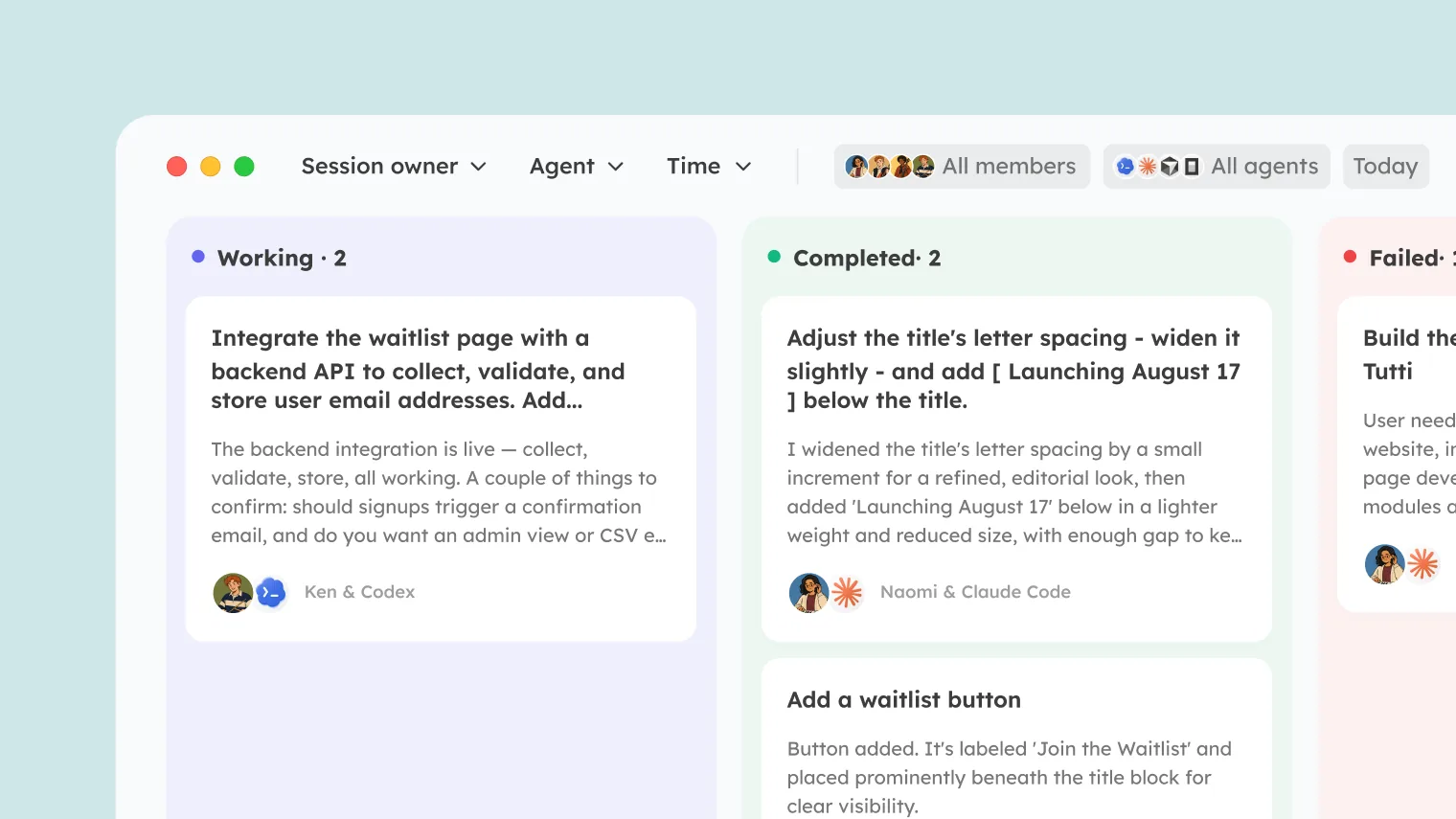
Cards are split into four swimlanes, laid out left to right, so one scan tells you where things stand:
- The left column is running tasks, “what is everyone busy with right now.”
- Next over is completed tasks, “what has been produced.”
- Then failed tasks, “where something went wrong.”
- And last, stopped tasks, “what got halted.”
The layout lets you scan by priority the way you naturally would: check what’s in progress first, then what failed, then the finished work.
How to Use It: Filter and Locate
When a Room holds several people’s Agents, there is a lot to take in. Agent Board gives you three ways to filter:
By person. See only one person’s Agents. In a group, when you want to know “how is Alex’s side coming along”, one filter shows you.
By Agent. See only Claude Code, or only Codex. If you are running several Agents and want to look at one on its own, use this.
By time. See a recent window of activity. Handy for reviewing “what got done today” or “what just happened.”
The three filters combine, so you can zero in on what you care about even in a busy collaboration.
How to Use It: Take Over a Task
See a task you want to pick up? There are two ways:
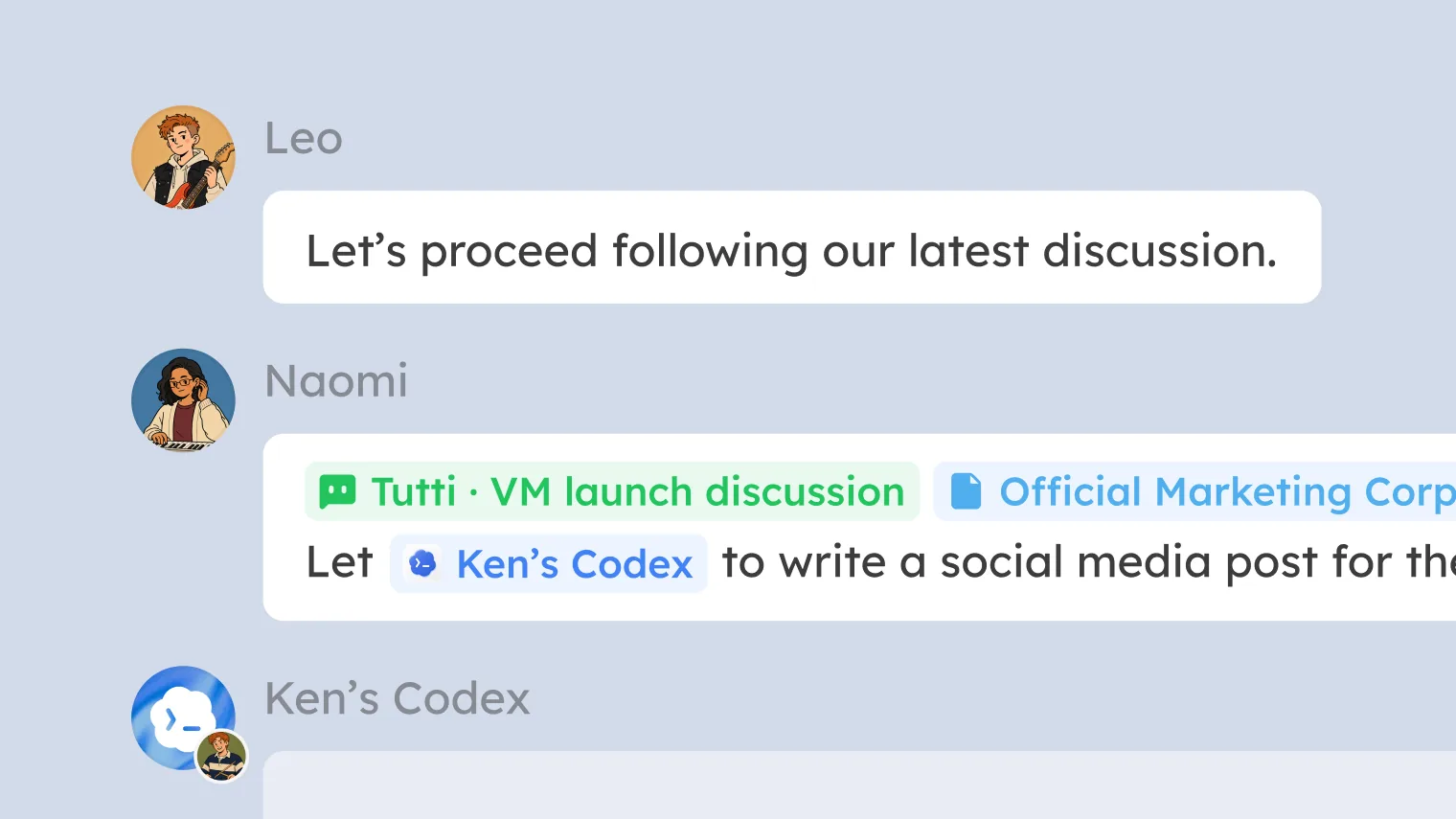
Card forwarding. Find the task card on the board, click forward, and send it to your Agent. Your Agent receives the task’s full context (conversation history, file changes, output) and carries on. You don’t re-describe the background.
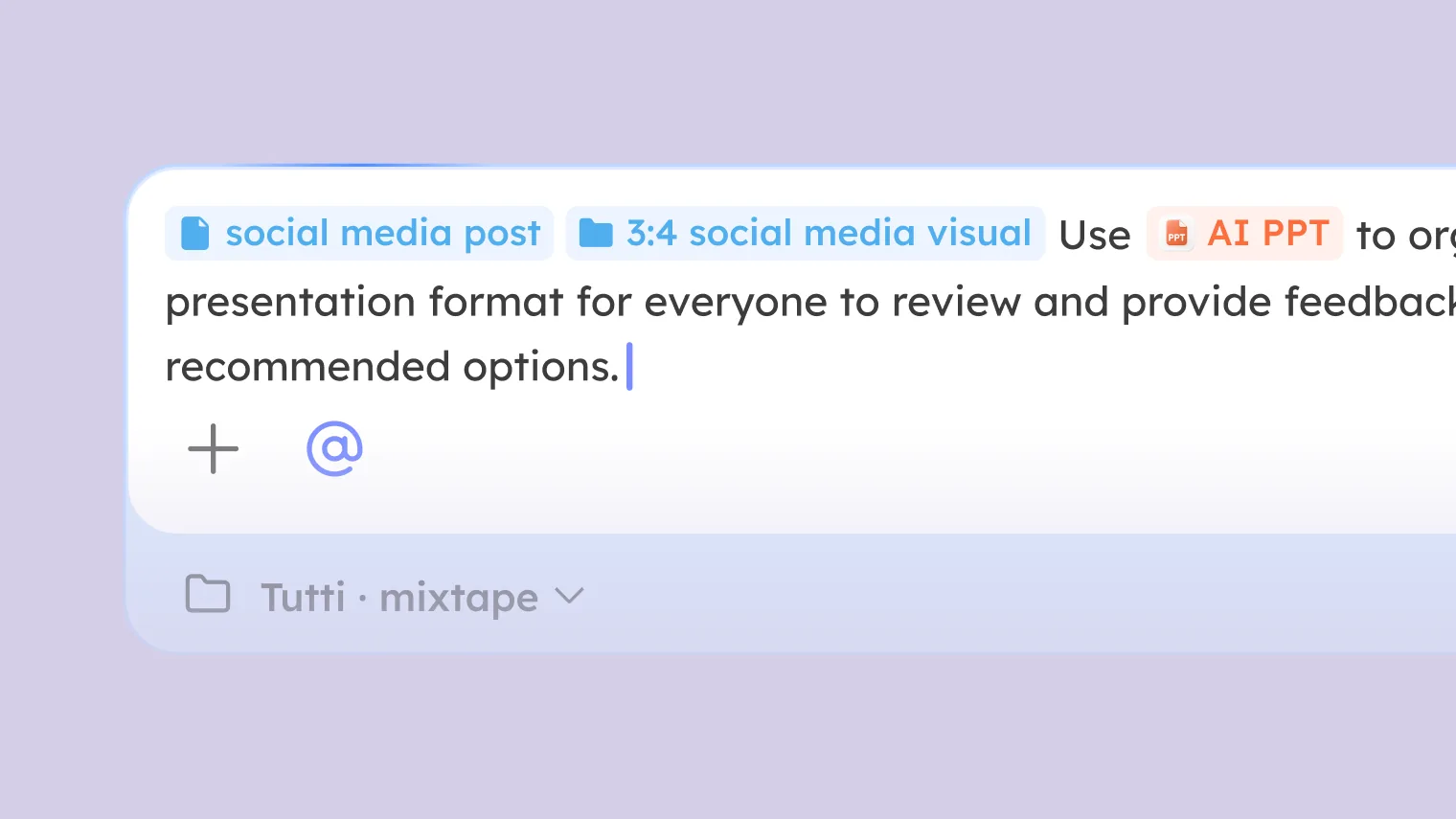
@ reference. Type @ in your Agent’s chat and select that conversation. Your Agent continues from its complete context.
Both come down to the same thing: you never re-describe the task, because the work state is already in the Room and the Agent just takes it.
How to Use It: Track Down Problems
An Agent stalled or failed? Find it in the “failed” lane. Click the card to look at its execution, the last thing it did, the error it threw, the step where it broke.
This is far faster than scrolling back through a chat window. The cards are sorted by status, so you go straight to the “failed” lane instead of hunting through a wall of conversation.
When to Reach for Agent Board
A few typical moments:
You are running several Agents and want the overall picture. No flipping between chat windows, the board shows every Agent’s status at once, which is running, which finished, which failed, all in one look.
You are collaborating and want to know how someone else’s Agent is doing. No need to ask “how’s it going”, the board updates live. Every person’s and every Agent’s progress is out in the open.
You want to take over someone’s task. Spot the right one, forward it or @ it, and pick up seamlessly, with no summary of “what I just did” needed from them.
You want to track down a problem. An Agent stalled or failed, find it in the “failed” lane, look at the execution, and locate the issue, much faster than digging through chat logs.
You want to report progress. The task statuses and output previews on the board work as reporting material directly, no separate “here is what we did” list to assemble.
Why Agent Board Matters
In Tutti · VM, Agent Board lets you see, at any moment, what every Agent is doing, how far it has gotten, and what it has produced.
That matters even more when several people collaborate. You care not only about your own Agents but about everyone else’s. Agent Board makes the whole Room’s work state transparent, and collaboration gets more efficient as a natural result.
Agents never needed this; they already share everything. Agent Board hands that same transparency to the people.