

A complete workflow rarely depends on a single tool or capability.
Writing copy often requires accompanying visuals. Building a visually refined website typically starts with a prototype before moving into code. In the past, these capabilities were scattered across different tools. You had to pay for each capability separately, and constantly download, screenshot, and sync throughout the process. This kind of tool-driven workflow is not only fragmented, but also breaks the continuity of creation.
Tutti is trying to restore that continuity.
It aims to build a workspace where all capabilities return to a kind of "flowing order."
Here, tools are not only available to you, but also directly usable by your Agents.
More importantly, all invocations reuse your existing local Agent subscriptions, with no additional cost, turning resources directly into productivity.
Three Ways to Use It
1. Direct Use
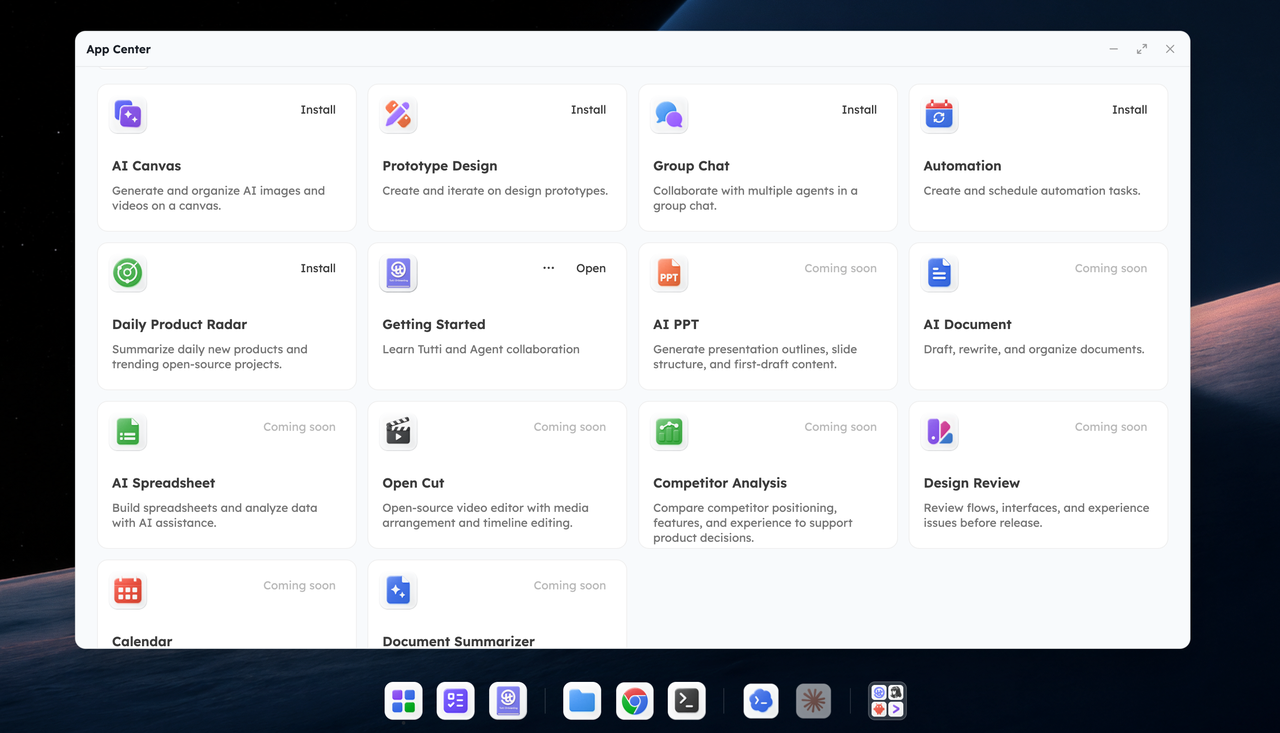
Open the app marketplace and click "Install" to get started.
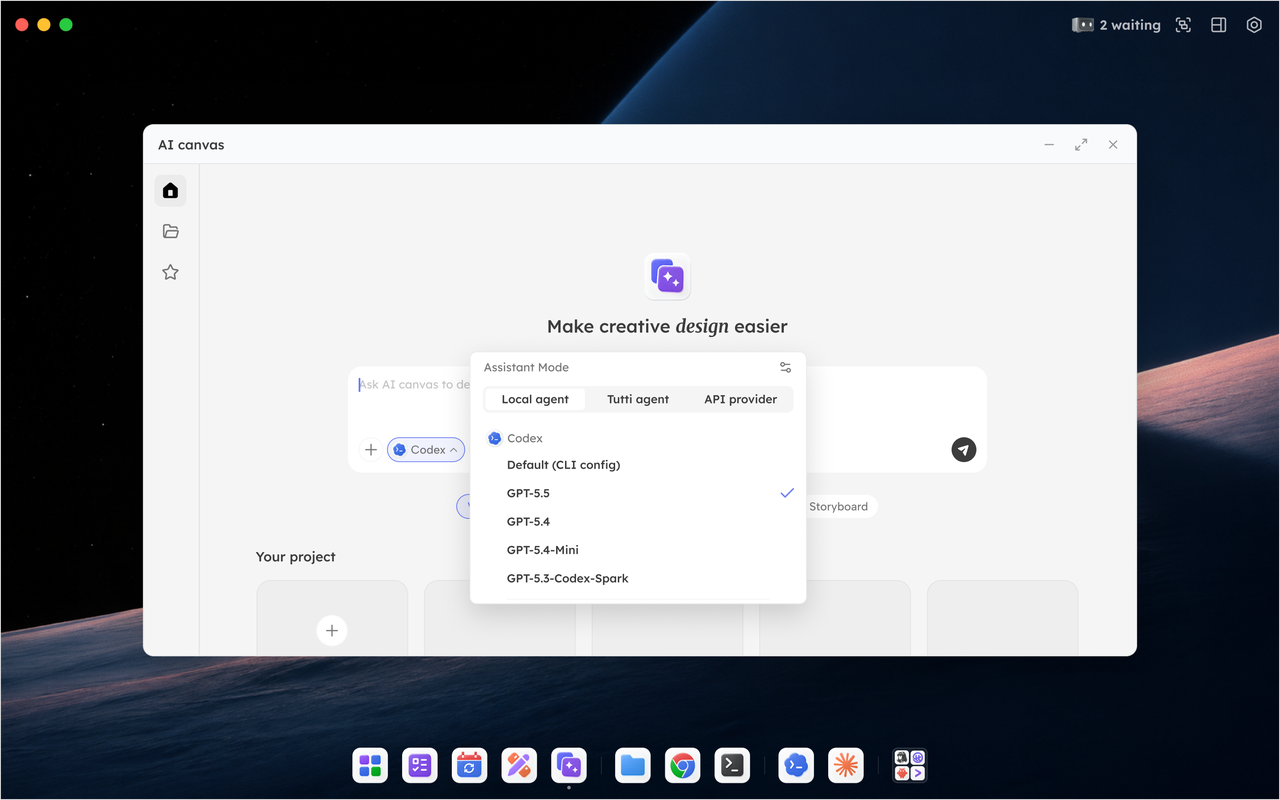
Take AI Canvas as an example. Open it, enter a prompt, and it will generate several images directly on the canvas.
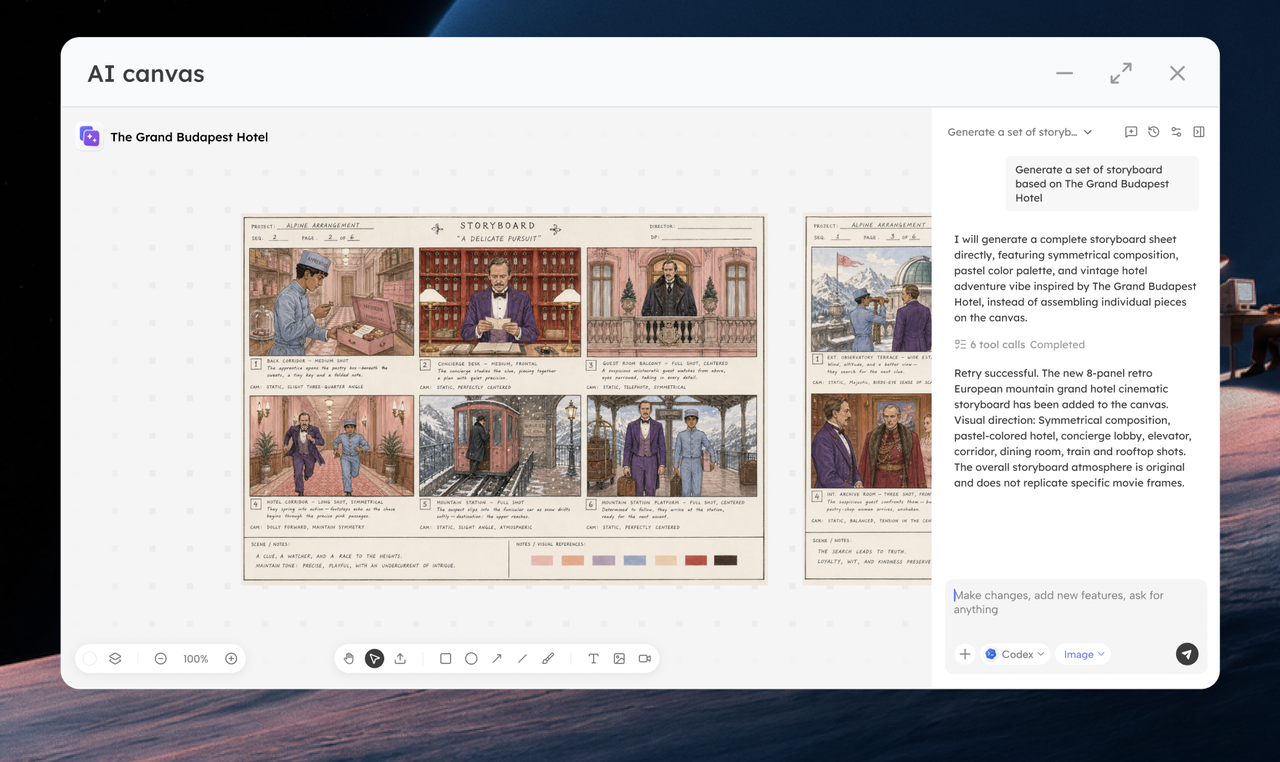
2. @ Agent Invocation
No need to leave the current chat window.
Working on a landing page and need an image? Just @ the image generation app in the chat and let the Agent handle it. Need layout or implementation? @ Codex next. From ideation, image generation, to coding, everything happens in a single continuous flow.
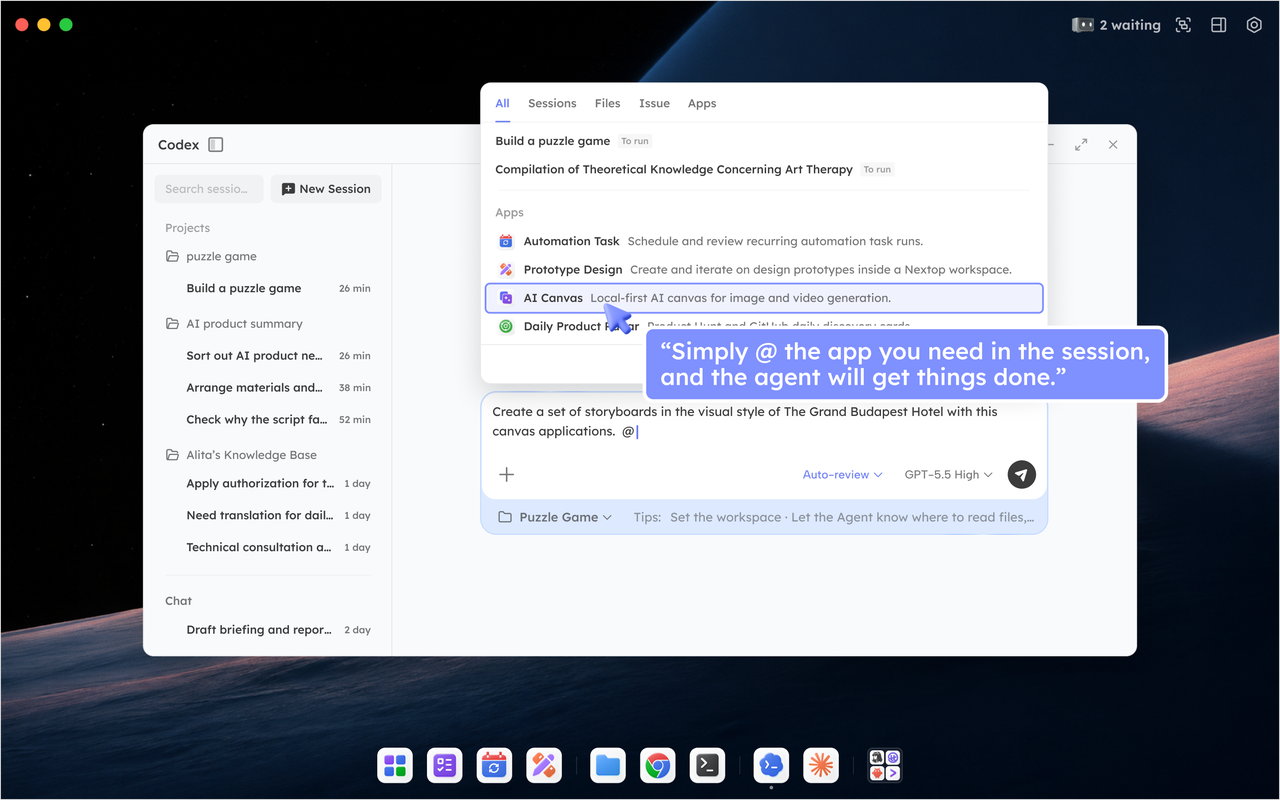
3. Task Center Orchestration
Complex work often requires layered execution. In the task center, you can break large goals into subtasks. You decide which application handles each step, and which Agent is responsible for each part.
A Small Expectation
Official apps are still under active development, but this is only the beginning.
Going forward, Tutti will invite more outstanding developers to help build the application ecosystem.
If you are interested, feel free to start creating.