Most AI Agent collaboration products take the same approach: host your Agents in the cloud. Spin up a cloud machine, run the Agent there, and sharing becomes trivial because everything is already in the cloud.
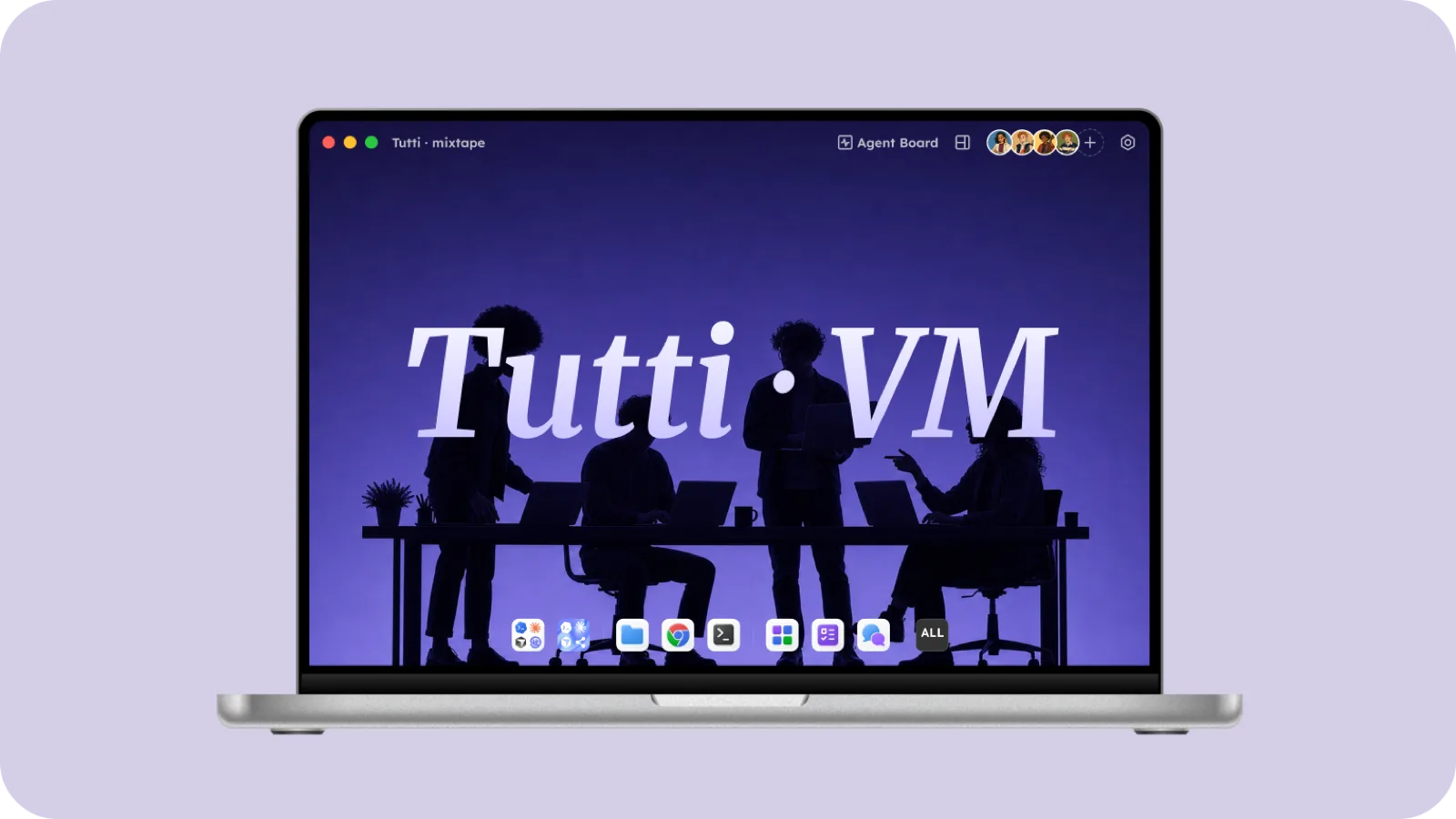
Tutti · VM took a different path. This article explains why, and what we built instead.
The Three Problems with Cloud-Hosted Agents
Moving tools like Claude Code or Codex to the cloud sounds reasonable, until you actually try it. Then you hit three walls, and none of them are minor.
Wall 1: Identity
Claude Code and Codex aren’t stateless programs. They carry your entire identity:
- Account sessions: your Claude subscription and your OpenAI subscription are tied to your account.
- Subscription quotas: the $20 / $200 you pay each month, with usage limits attached to your account.
- Private repo access tokens: Agents need your Git credentials to read and write GitHub repositories.
- Corporate SSO: if the Agent has to reach enterprise systems, SSO tokens are required.
- SSH keys: an Agent that SSHes into a server uses your private keys.
- API keys and MCP configs: every tool and MCP server you have wired up keeps its connection details locally.
To run an Agent in the cloud, you have to move all of this up there. There are a few ways to do it:
- Copy it by hand: paste your API keys and tokens into the cloud environment. The security risk is high, and you have to redo it every time a token expires.
- Log in again in the cloud: walk through the OAuth flow on the cloud machine. But many enterprise SSO systems refuse logins from untrusted devices.
- Let the platform inject it: hand your credentials to the platform and let it inject them into the cloud environment. Now the platform holds your credentials.
Whichever way you go, the result is the same: the cloud becomes the real holder of your identity. Your quota is spent in the cloud, your credentials are stored in the cloud, your access tokens are used from the cloud. You lose direct control over your own identity.
Wall 2: Lock-In
To get around the identity problem, many cloud products build their own Agent system. You don’t bring your own Claude Code; you use the platform’s Agent over an API, and the platform sets everything up for you: model, tools, quota.
But there is an overlooked cost here: you have already poured a lot of time and money into the Agents you use.
You already pay for Claude Code Pro and for Codex. You spent hours configuring MCP servers, wiring in your database, your Jira, your Slack. You wrote custom skills to teach your Agent your codebase conventions. You tuned system prompts so it writes code the way you like.
These are your personal capability assets, and they are bound to the Agent on your own machine.
Throwing all of that away to start from scratch on a platform’s Agent, or worse, paying the platform extra to get the same capabilities back, never adds up.
That is the core of BYOS (Bring Your Own Subscriptions): you should bring your own subscriptions in, not swap tools just to collaborate.
Wall 3: Network Identity
When an Agent runs on your machine, its requests leave through your network, and that network carries your identity:
- Corporate IP allowlists: many internal enterprise services only accept traffic from company IPs. An Agent on your machine fits the allowlist naturally.
- SSO IP binding: some enterprise SSO systems check the source IP of a request and reject anything from outside the company network.
- Internal services: an Agent may need services that are only reachable on the intranet (databases, CI/CD, internal APIs). They are invisible to the public internet, and only your machine can reach them.
- Model-provider risk controls: providers like Anthropic and OpenAI watch IP patterns. Your account is tied to your usual IP range, so requests suddenly coming from a cloud data center can trip their risk controls, or even get the account banned.
The moment the Agent moves to the cloud and its requests come out of a data center, all of this can quietly break. The Agent suddenly can’t reach your intranet, trips a risk-control system, or fails SSO. These issues rarely show up in development; they surface in production.
The Compounding Effect
These three problems aren’t independent; they compound. Identity moves to the cloud → the platform pushes you onto its own Agent → your network identity breaks → the platform’s Agent can’t reach your intranet either → and the whole collaboration experience falls apart.
That compounding is what convinced us: moving the whole Agent to the cloud is not a path worth taking.
Tutti · VM’s Three-Layer Architecture
With those three problems stacked on top of each other, we made one architectural call: physically separate identity, execution, and sharing, and put each where it makes the most sense.
Identity Stays on Your Machine
Login sessions, credentials, API keys, SSH keys, Git credentials, none of these sensitive things leave your computer. The cloud never gets them.
That means:
- Your quota is always spent under your own account, with no third party in the middle.
- Your credentials never land on any cloud server.
- You can inspect, change, or revoke your credentials whenever you want, without telling anyone.
- Even if Tutti · VM’s cloud service were breached, an attacker would walk away with none of your identity.
Execution Runs in a Local VM
Tutti · VM uses multi-layer virtualization to run a managed Linux environment on your machine, and Claude Code, Codex, and the rest run inside it.
The details that matter:
- Still your own subscriptions: the Agent uses your local login state, with no cloud relay in between.
- Still your own MCP config: the MCP server connections and tool definitions you set up work as-is inside the VM.
- Still your own tools and skills: your custom skills and tuned system prompts are all there.
- Still your own compute: no paying for cloud computing resources.
- Still your own network: the Agent’s requests leave through your own network, so corporate IP allowlists, SSO, and intranet services all keep working.
Multi-layer virtualization is what keeps this safely isolated. The Agent runs inside the VM without touching your host system, while still reaching the resources you have authorized.
Sharing Happens in the Cloud
Only one thing goes to the cloud: the Agent’s work state.
Work state comes in three parts:
- What is being said: your conversation with the Agent, both what you are discussing now and the full history, every instruction, reply, follow-up, and clarification in between.
- What is being done: everything the Agent is doing right now, which files it is changing and how, how far the task has gotten, whether anything errored, and what the preview looks like if it is working on a front-end. This updates live, so everyone (and every Agent) in the Room always sees the latest.
- What is done: the Agent’s finished output, code files, images, documents, design files. These artifacts stay in the Room in their final state and become context for whatever comes next.
This state lives naturally in the cloud Room, where everyone and every Agent can see it.
One distinction worth making: what the cloud receives is the execution rights to the shared workspace (read and write access to the work state), not your identity. It is like handing someone the key to a room without handing over your ID: they can come in and work, but they can’t go impersonate you anywhere else.
Because of that separation, you can disconnect and pull access back at any time. Your Agent accounts stay in your own hands.
BYOS: More Than “Bring Your Subscriptions”
BYOS (Bring Your Own Subscriptions) falls straight out of this architecture. Because identity is local and execution runs in a local VM, what you bring in isn’t just “quota”, it is your entire Agent working environment:
- Your Claude Code Pro subscription
- Your Codex subscription
- The MCP servers you configured (database connections, Jira integration, Slack notifications, and so on)
- The custom skills you wrote
- Your tuned system prompts and tool configuration
- Your Git credentials and SSH keys
All of it comes with you. No reconfiguring, no extra fees.
BYOS also makes possible a feature that is unique to Tutti · VM: Agent borrowing. Because each person’s Agent identity stays local, people in a Room can authorize others to use their Agent for a while. If your Codex hits its hourly limit, for instance, you can borrow a friend’s. This isn’t an account transfer; it is a delegation of capability, and whoever granted it can take it back at any time.
Much Harder to Build Than Going Straight to the Cloud, But Worth It
This architecture is far harder to build than a cloud-hosted one. The main engineering challenges:
Multi-layer VM complexity. Running a managed Linux environment on a user’s machine means balancing performance, security isolation, and cross-platform support (Mac OS / Linux / Windows) all at once, and every OS virtualizes differently, so each one needs its own adaptation.
Work-state consistency. When several Agents write to the same Room’s work state at once, how do you keep it consistent? How do you handle concurrent writes? How do you recover after the network drops? These are the classic distributed-systems problems.
Cross-Agent conflict resolution. What happens when two Agents change the same file at the same time? We use sophisticated collaborative-editing techniques to avoid and resolve the conflicts, much like Google Docs’ real-time collaboration, except the thing being edited is an Agent’s working environment rather than a document.
Every one of these is hard. But to this day, I still believe holding the line was right, because this path means no one has to choose between “collaboration” and “freedom”:
- You don’t switch Agents; you bring your own subscriptions (BYOS).
- You don’t expose your identity; credentials stay local.
- You don’t break your network identity; the Agent uses your own network.
- You can disconnect anytime; the cloud only ever holds your work state, never your control.
- You can borrow someone else’s Agent and they can borrow yours, a delegation of capability rather than a transfer of accounts.
Tutti · VM doesn’t swap out your tools. It just tears down the wall standing between your Agents.